In this blog, we’ll look at how to install Docker on CentOS 6, 7, 8, and Stream, then look at some Docker basics that can help you to get started.
Docker is a container management system that has become very popular lately. The main advantage of Docker for a developer is that he only needs to set up the necessary containers on his machine once, and then he will be able to transfer his program to any server, be it Linux or Windows, and everything will work there, you just need to have Docker installed.
The application runs in an LXC container that contains a Linux distribution and a set of programs necessary to run the application. There can be several such containers and they can interact with each other over the network. In this article, we will figure out how to install Docker on CentOS 8. The procedure is almost the same as on CentOS 7, but due to the transition of the distribution to nftables, there are some differences.
- Installing Docker in CeontOS 8
- Installing Docker Compose
- Removing Docker on CentOS
- Conclusions
- About the author
- What Is Docker?
- Running Docker on CentOS
- Setting Docker Permissions in CentOS
- Need to Move off CentOS?
- CentOS Docker Installation Guide
- How to Install Docker on CentOS 6
- How to Install Docker on CentOS 7
- How to Install Docker on CentOS 8
- How to Install Docker on CentOS Stream
- Determine the Linux version
- Test whether the installation is successful
- Test the HelloWorld image
- Concerned About Changes to CentOS?
Installing Docker in CeontOS 8
To get the latest version of the program, you must first add the official Docker repository to the system:
dnf config-manager —add-repo=https://download.docker.com/linux/centos/docker-ce.repo
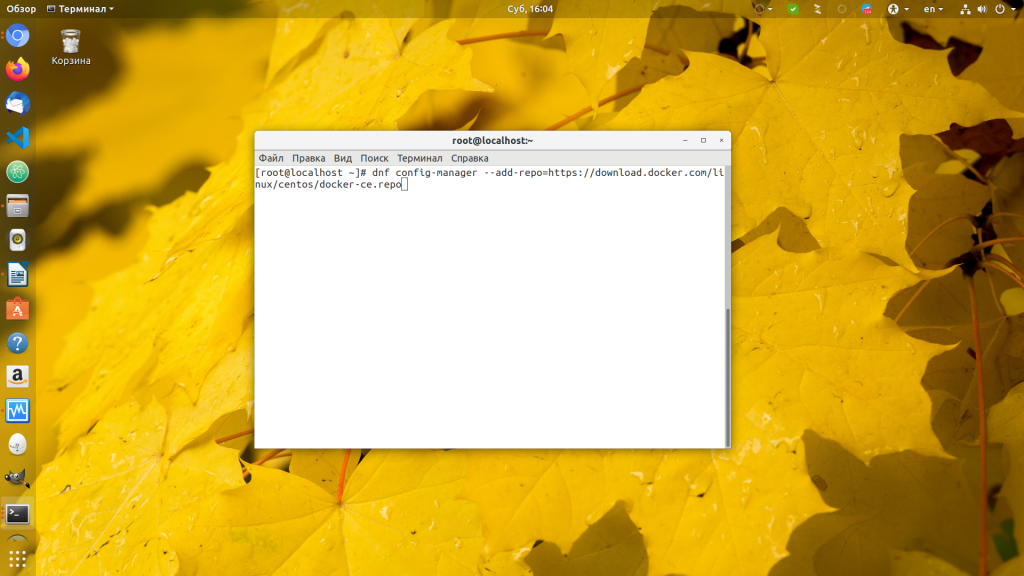
Then install Docker CentOS 8 with the command:
dnf install docker-ce
These commands will be relevant for both Fedora and CentOS 7, only for the latter it will be necessary to change the package manager to yum and the repository will be added differently.
Next, start the Docker service and add it to startup:
systemctl start docker
systemctl enable docker
systemctl status docker
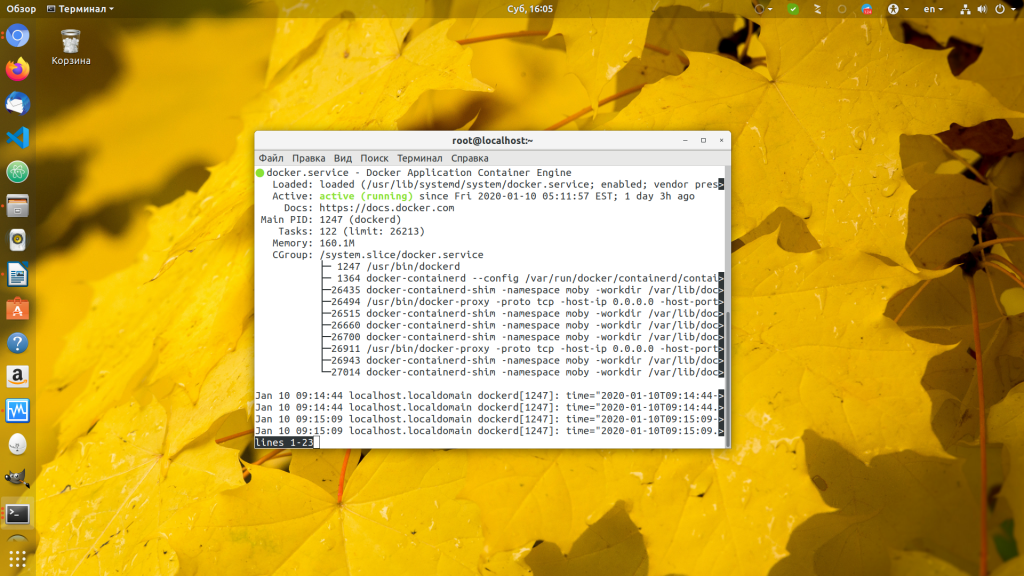
Since CentOS 8 switched to a new firewall subsystem — nftables, and Docker only supports iptables, networking inside containers will not work. To fix this, enable masquerade traffic with firewalld:
firewall-cmd —zone=public —add-masquerade —permanent
Then restart the firewall so that the active rules are updated:
Installing Docker Compose
Docker is usually installed with the auto-deployment and container configuration tool docker-compose. This is exactly the utility that will help you raise your project on another machine with one command. To install it, follow:
wget «https://github.com/docker/compose/releases/download/1.25.0/docker-compose-$(uname -s)-$(uname -m)»
mv ./docker-compose /usr/local/bin/docker-compose
chmod +x /usr/local/bin/docker-compose
Done, installation of docker compose CentOS 8 is complete and you can start working with this utility.
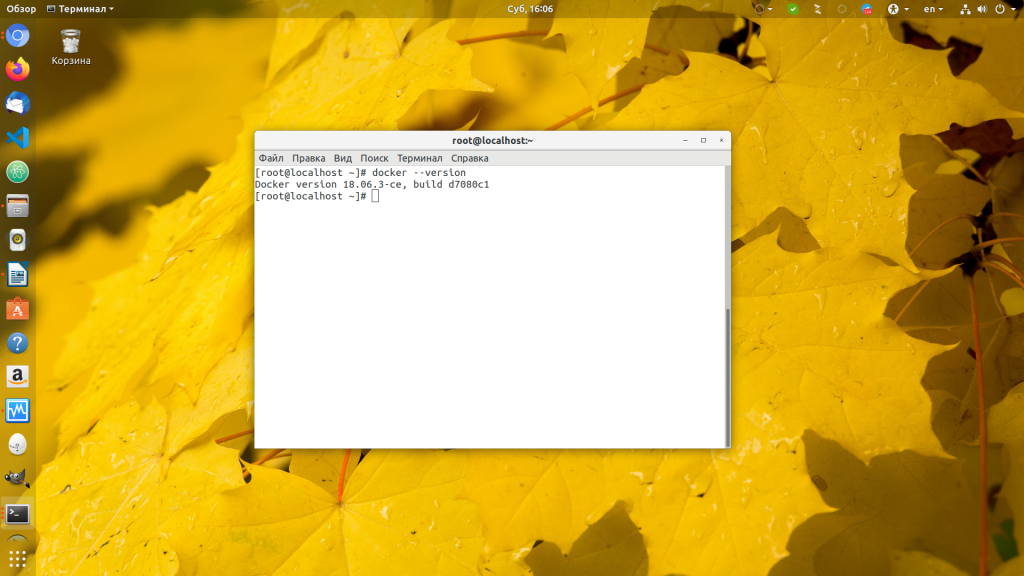
To make sure that Docker is installed and running, you can check its version:
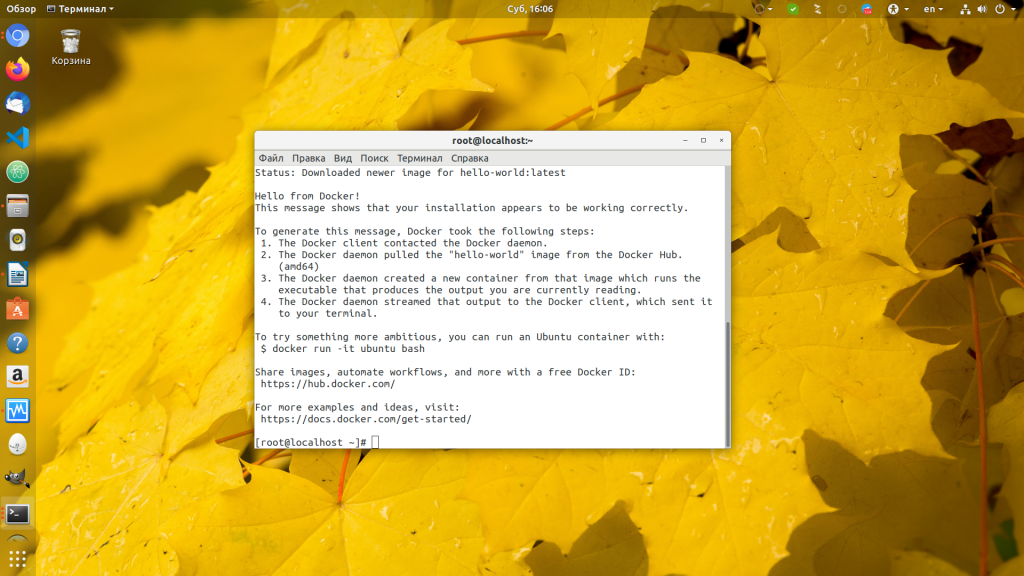
You can also run Hello world container:
docker run hello world
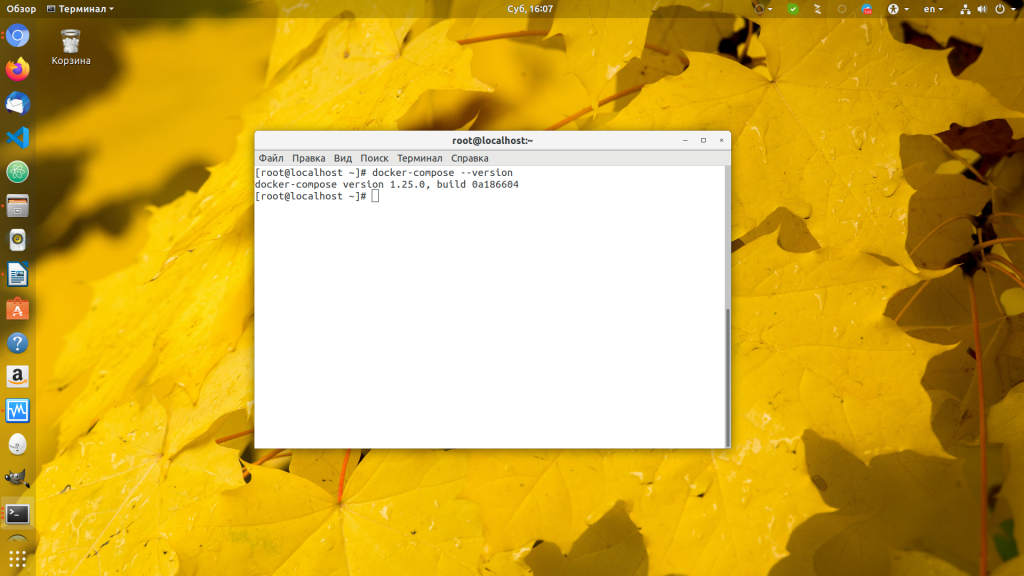
We can also see the version of docker-compose:
Removing Docker on CentOS
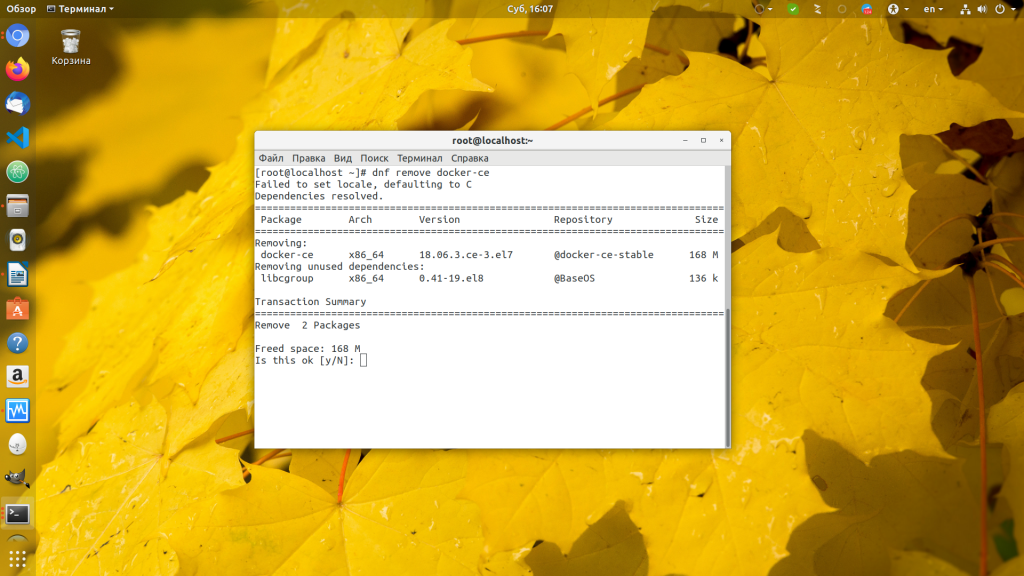
You can uninstall Docker CentOS simply by removing the package you previously installed, to do this, run:
dnf remove docker-ce
To remove docker-compose, just delete the /usr/local/bin/docker-compose file, this utility is only there and it is not found anywhere else in the system.
Conclusions
In this article, we discussed how to install docker CentOS 8 and solve the network problem in containers. Write in the comments if you want to continue this topic in articles on how to use Docker and Docker compose to deploy your applications.
Found a mistake in the text? Let me know. Select the text with the error and press Ctrl+Enter.
About the author
Founder and administrator of the site losst.ru, fond of open source software and the Linux operating system. I currently use Ubuntu as my main OS. In addition to Linux, I am interested in everything related to information technology and modern science.
What Is Docker?
Docker is a program for building, running, and managing containers.
Containers are run as namespaces under the linux kernel, and are implemented with images that contain the filesystems and all data needed to run the process in the container. This mostly separates the running process from other resources on the system.
This is simplified, of course, because this article isn’t really about what Docker is and how to use it, but how to achieve a successful CentOS Docker installation.
Running Docker on CentOS
kernel.modules_disabled = 0
Otherwise starting the docker service will fail. Then you can start docker and make sure it starts at boot time.
On CentOS 7/8:
On CentOS 6:
chkconfig docker
service docker start
service docker status
Setting Docker Permissions in CentOS
To show some commands, we will run a simple container that stays running until you stop it. In one shell, type:
docker run -p 80:80 nginx
That says to run the nginx container (a web server) and map port 80 on the host to port 80 in the container. You will see some ouput, then:
/docker-entrypoint.sh: Configuration complete; ready for start up
In another shell, test with:
curl -v localhost
Also you will see a log entry for the nginx container. Show the containers running with docker ps:
If you don’t give a container a name, docker will give it a random name. You can reference a container with either the CONTAINER ID or the name.
docker logs crazy_heisenberg
Docker logs shows the log information, which was also printed to the terminal before. docker inspect will show lots of internal information about the container.
Need to Move off CentOS?
OpenLogic can help. With support for top open source Enterprise Linux distributions — like Rocky Linux and AlmaLinux — OpenLogic can help you maximize stability for your deployments and ensure ongoing success for your enterprise systems.
Enterprise Linux Support
CentOS Docker Installation Guide
Installing Docker on CentOS varies from version to version. Below you’ll find instructions on how to install Docker on CentOS versions 6, 7, and 8.
How to Install Docker on CentOS 6
CentOS 6 will reach end of life on November 30, 2020, so there will be no more updates. Docker CE is not available for CentOS 6. The best we can do is install an old version from docker.com, which is version 1.7.0-1:
yum install -y https://get.docker.com/rpm/1.7.0/centos-6/RPMS/x86_64/docker-engine-1.7.0-1.el6.x86_64.rpm
However, CentOS 6 is no longer recommended since it will no longer receive security fixes or updates.
How to Install Docker on CentOS 7
The default docker version (with CentOS 7) is 2:1.13.1-162git64e9980, which is quite old. We will install the latest version from main docker repository. First we install yum-utils, which gives a command for easily adding repositories. Then we use that command to add the docker repo, then install docker-ce:
yum install -y yum-utils
yum-config-manager —add-repo
https://download.docker.com/linux/centos/docker-ce.repo
yum install -y docker-ce
The version installed on my test CentOS 7 instance is docker-ce-19.03.13-3 .
How to Install Docker on CentOS 8
Centos 8 installs podman by default. It is nearly a drop-in replacement for docker, that doesn’t use a service to run. However we are not covering podman in this article, so we will remove it to install docker. D NF is a replacement for yum. Yum is an alternate name for dnf in CentOS 8.
dnf remove -y podman buildah
# This is the same as dnf-utils, this may already be installed
dnf install -y yum-utils
yum-config-manager —add-repo https://download.docker.com/linux/centos/docker-ce.repo
dnf install -y docker-ce
How to Install Docker on CentOS Stream
Take the centOS stream 8 system as an example~
Docker official website link:https://docs.docker.com/
Determine the Linux version
The new version of Docker has certain requirements for the Linux system version. If the Linux distribution system is centOS, installing the latest version of docker requires a centOS 7 or higher system.
The software source provided by the official website is relatively slow, and the software source of Alibaba Cloud is used here.

Test whether the installation is successful
The download speed of Docker Hub, the default warehouse of docker, is very slow in China, so we need to replace it with the warehouse of Alibaba Cloud.
Test the HelloWorld image
Type in Terminaldocker run hello-world。

SeeHello from Docker!The field indicates that there is no problem with our installation steps, and Docker has been successfully installed~
Concerned About Changes to CentOS?
In our latest webinar, Perforce OSS Evangelist Javier Perez details the changes to CentOS, how they impact organizations using CentOS, and what to do next if you are impacted.